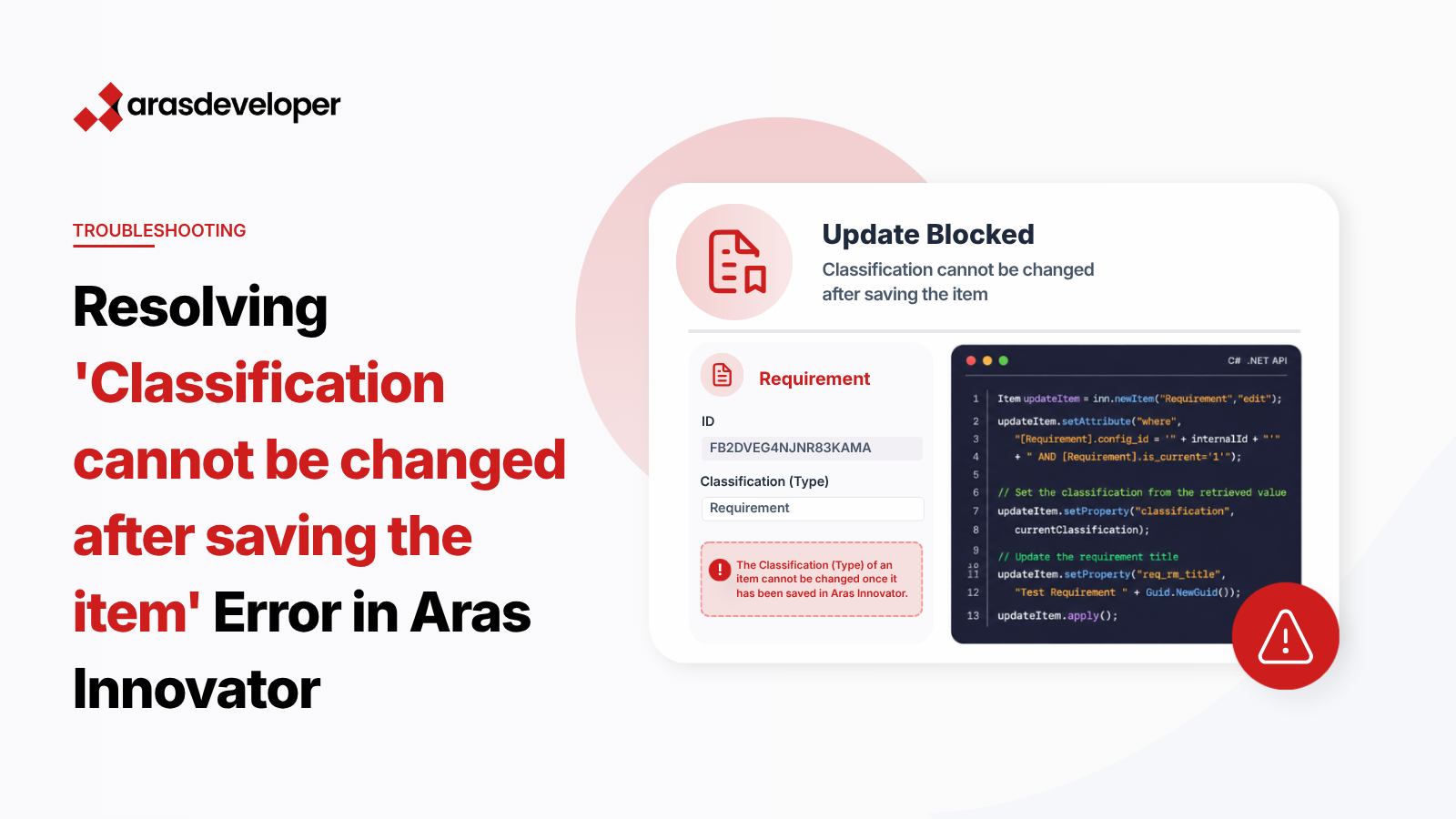
When working with Aras Innovator, developers often encounter the error message 'Classification cannot be changed after saving the item' when attempting to update a requirement using the .NET API. This error occurs even when the classification property is not being modified in the request. This blog post explains the root cause of this issue and provides a solution to resolve it effectively.
Aras Innovator enforces strict validation rules for certain item types, including requirements. One such rule is that the classification (type) of an item cannot be changed after it has been saved. The .NET API may trigger this validation error if the classification property is not explicitly handled in the update request, even if the property itself is not being modified.
To avoid this error, you must explicitly include the current classification value in your update request. This involves:
Below is a detailed example of how to implement this solution in your .NET API code.
using System;
using System.Collections.Generic;
using Aras.IOM;

namespace TestArasProject
{
    public static class Program
    {
        public static void Main(string[] args)
        {
            // Establish connection to Aras Innovator
            HttpServerConnection conn = IomFactory.CreateHttpServerConnection(serverUrl, dbName, username, password);
            Innovator inn = IomFactory.CreateInnovator(conn);
            conn.Login();

            // Retrieve the current item to get the classification
            Item getItem = inn.newItem("Requirement", "get");
            getItem.setAttribute("where", "[Requirement].config_id = '" + internalId + "' AND [Requirement].is_current='1'");
            Item currentItem = getItem.apply();
            string currentClassification = currentItem.getProperty("classification", "");

            // Create the update item with the current classification
            Item updateItem = inn.newItem("Requirement", "edit");
            string internalId = "FB20D91203DC4E3EB30DBA0CFBE4FD0F";
            updateItem.setAttribute("where", "[Requirement].config_id = '" + internalId + "' AND [Requirement].is_current='1'");

            // Set the classification from the retrieved value
            updateItem.setProperty("classification", currentClassification);

            // Update the requirement title
            updateItem.setProperty("req_rm_title", "Test Requirement " + Guid.NewGuid());

            // Apply the update
            Item result = updateItem.apply();

            // Output the result
            Console.WriteLine(result);
            Console.WriteLine(result.isError());
            Console.ReadLine();

            // Logout from Aras Innovator
            conn.Logout();
        }
    }
}HttpServerConnection and Innovator classes to connect to Aras Innovator.By explicitly including the current classification value in your update request, you can avoid the 'Classification cannot be changed after saving the item' error in Aras Innovator. This approach ensures compliance with Aras Innovator’s validation rules and allows for seamless updates to requirement items using the .NET API. Implement this solution in your code to enhance the reliability and efficiency of your Aras Innovator integrations.
