Inconsistent query results when retrieving Parts in Aras Innovator can derail development efforts, wasting hours debugging what appears to be environmental issues. The root cause often lies in misunderstood Query Type behavior, which silently determines which revision of an item is returned. Mastering these settings is essential for reliable PLM applications.
As enterprises increasingly rely on automated integrations and headless PLM operations, predictable data retrieval becomes critical. The Query Type parameter serves as a gatekeeper for revision control policies, affecting everything from simple searches to complex BOM traversals. Understanding its nuances prevents subtle but costly data inconsistencies.
What You Will Learn
The four Query Types in Aras Innovator (Current, Latest, Released, Effective) and their distinct behaviors
How to explicitly specify Query Types in AML queries and server-side methods
Why default Query Type settings can produce different results across interfaces
Best practices for maintaining consistent revision selection in distributed systems
Implementing Consistent Query Behavior
Understanding Query Types
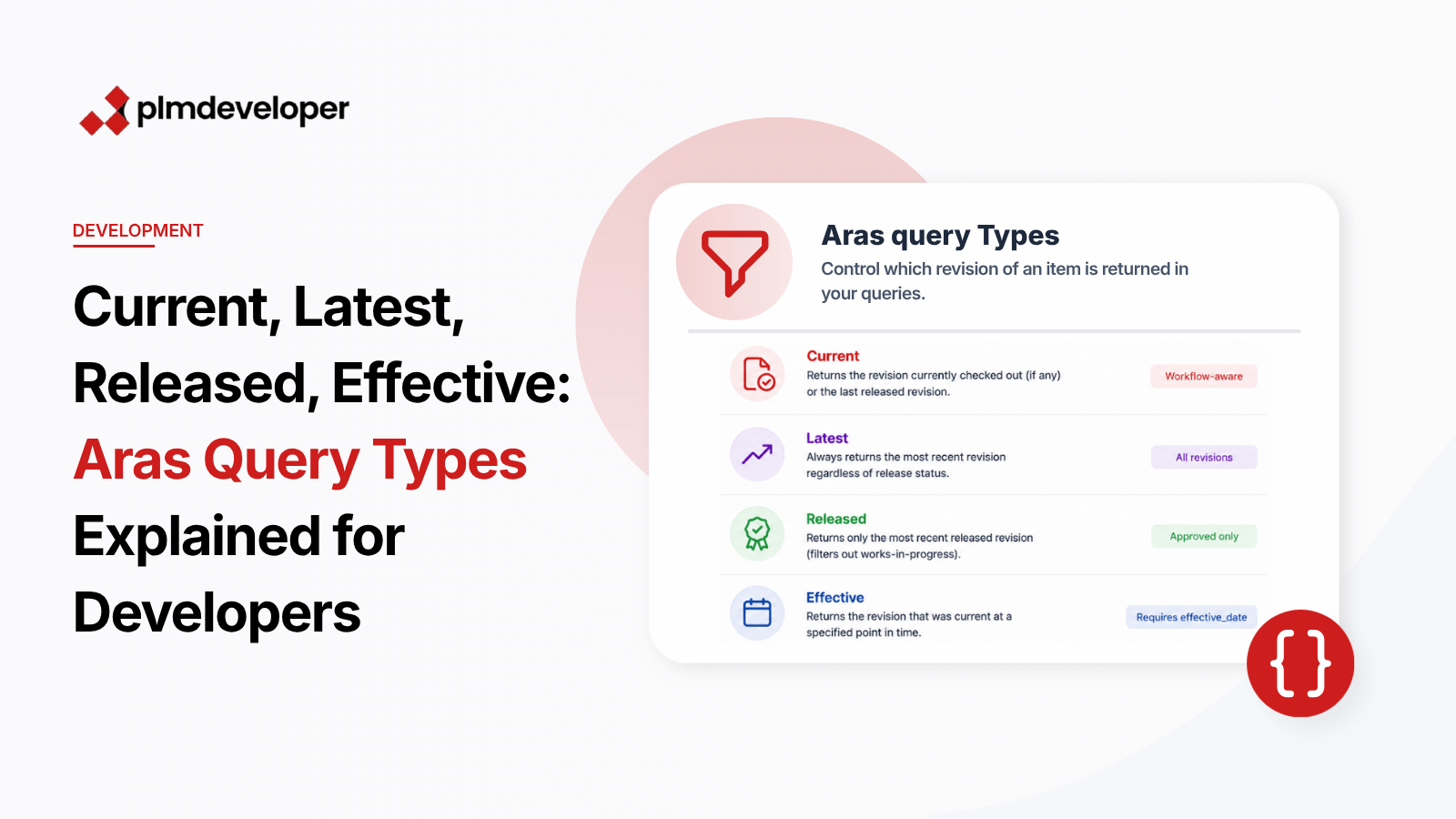
Aras Innovator provides four Query Type options that control revision selection:
Current: Returns the revision currently checked out (if any) or the last released revision
Latest: Always returns the most recent revision regardless of release status
Released: Returns only the most recent released revision (filters out works-in-progress)
Effective: Returns the revision that was current at a specified point in time (requires effective_date parameter)
Explicit Query Type Specification
Always declare the Query Type in AML queries to prevent unexpected default behaviors:
Current is workflow-aware, Latest gets all revisions, Released filters to approved data
Effective queries require both queryType and effective_date parameters
Default behaviors vary across interfaces - never rely on them
Understanding and properly implementing Query Types eliminates a common source of debugging frustration in Aras development. For deeper exploration, review the official Aras documentation on Revision Control and the AML Reference Guide. These resources provide additional examples and edge case handling for complex scenarios.