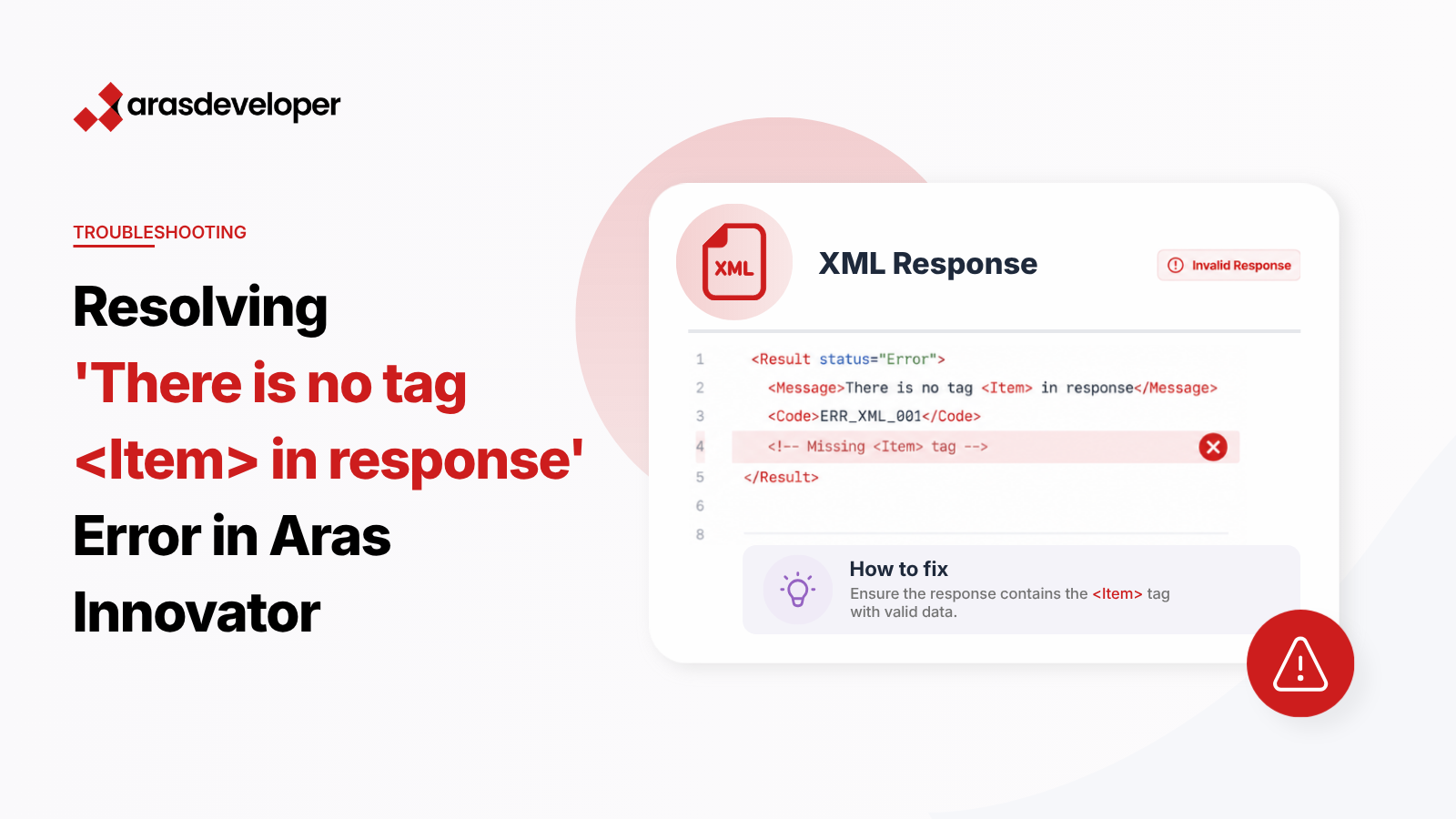
When working with server events in Aras Innovator, you may encounter the error "There is no tag <Item> in response" while trying to edit an ItemType like EDM StructureDocument. This typically occurs during onAfterAdd server events. Let’s explore the root cause and solution.
The error occurs because:
<Item> tag in the response from the apply() methodFollow these steps to resolve the issue:
Ensure your edit request follows proper AML syntax:
<Item type="EDM StructureDocument" action="edit" id="[ITEM_ID]">
    <edm_doku_id>[NEW_VALUE]</edm_doku_id>
</Item>Here’s the improved server-side code with proper error handling:
// Modified code with error handling
Innovator inn = this.getInnovator();

// Get count of existing items
Item results = inn.newItem("EDM StructureDocument", "get");
results = results.apply();
long count = results.getItemCount();

if(count <= MaxItemNumber) {
    string id = this.getID();
    string edmId = count.ToString().PadLeft(10, '0');

    // Create edit request
    Item myItem = inn.newItem("EDM StructureDocument", "edit");
    myItem.setAttribute("id", id);
    myItem.setProperty("edm_doku_id", edmId);

    // Apply changes and check response
    Item response = myItem.apply();
    if (response.isError()) {
        return response;
    }
    return response;
} else {
    return inn.newError("Error Creating a new EDM Document, the Number of Documents is Maximal");
}The “There is no tag
For more advanced error handling techniques, consider exploring Aras Innovator’s server method logging capabilities and the AML debugger tool.
