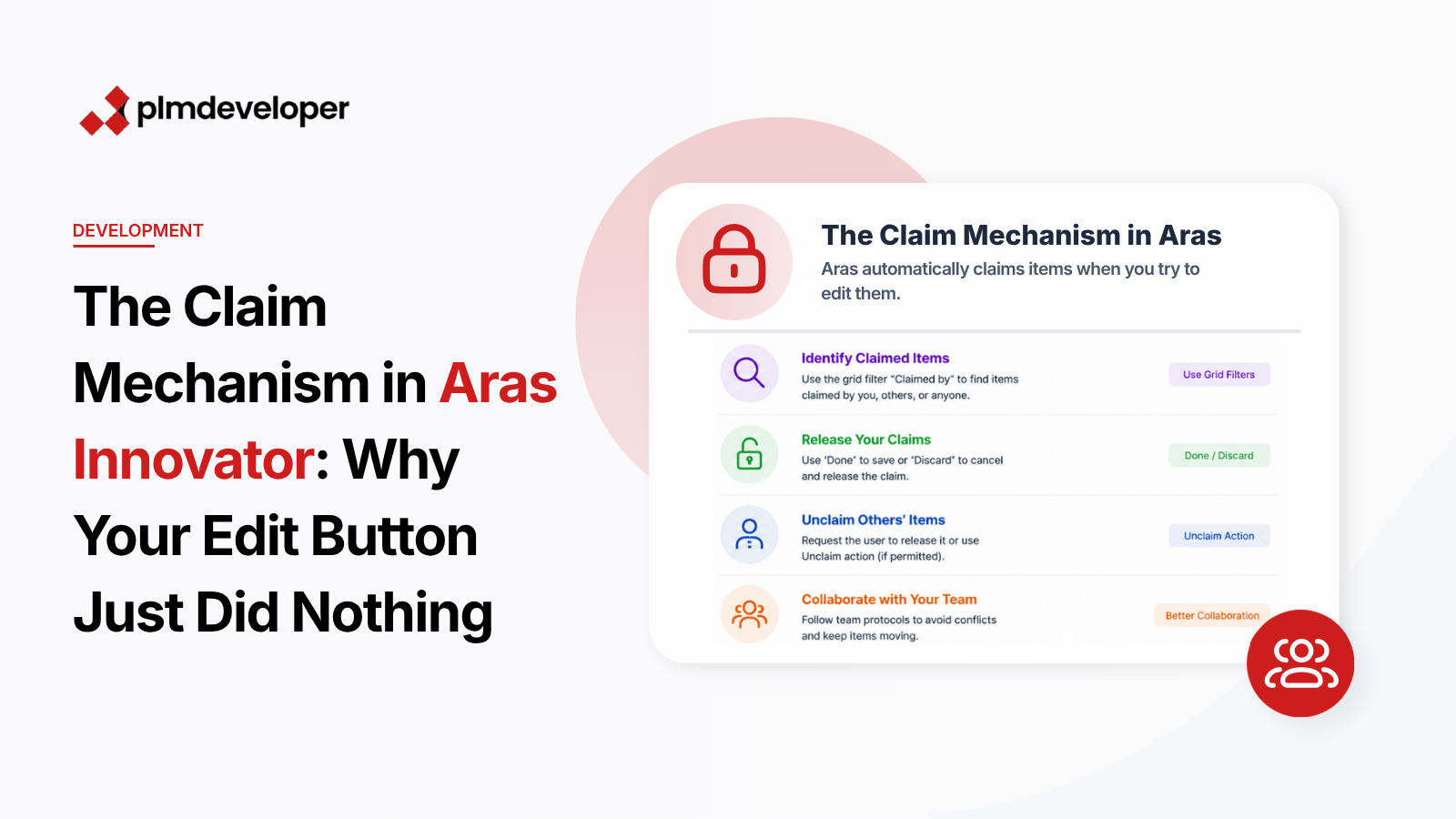
When you click Edit on a Part in Aras Innovator and nothing happens, the silence can be more frustrating than an error message. This behavior typically indicates the item is already claimed by another user—a fundamental but often misunderstood aspect of Aras’ collaboration model that affects teams working with shared items.
Aras Innovator’s claim system provides lightweight locking to prevent edit conflicts, but its implicit nature can create confusion in multi-user environments. Unlike explicit check-out systems in other PLM solutions, claims are automatically created on edit attempts and persist until manually released. Understanding this mechanism is critical for maintaining smooth team workflows.
What You Will Learn
How Aras’ implicit claim system differs from traditional locking mechanisms
Three methods to identify claimed items using grid filters
Proper procedures to release claims via Done/Discard or Unclaim actions
Best practices for team coordination around claimed items
Why claims persist across sessions and browser refreshes
Resolving Silent Edit Failures
Identifying Claimed Items
Aras provides built-in filters to surface locked items. In any search grid:
Click the filter icon in the grid header
Select “Claimed by” from the filter dropdown
Choose between:
“Me” (items you’ve claimed)
“Others” (items locked by teammates)
“Anyone” (all claimed items)
<!-- Example AML to find items claimed by current user --><Item type="Part" action="get" select="id,name"> <claimed_by condition="eq">@0</claimed_by></Item>
Releasing Claims
For items you’ve claimed:
Open the item and use either:
Done: Saves changes and releases claim
Discard: Reverts changes and releases claim
For items claimed by others:
Request the claiming user release it via:
Their open edit forms (Done/Discard)
The Unclaim action in the item’s context menu
// Programmatic unclaim via IOMvar item = innovator.getItemById("Part", "A3A45B6C789D4E5");item.unClaim();
Common Pitfalls
Session persistence: Claims survive browser refreshes and even logout/login cycles
No visual indicators: The UI doesn’t prominently display claim status outside of grid filters
Performance impact: Excessive claims can degrade system performance over time
Admin overrides: Only administrators can forcibly unclaim items via the database
Key Takeaways
Aras automatically claims items on edit attempts without visual confirmation
Use grid filters to detect claim conflicts before editing attempts
Always release claims via Done/Discard to prevent orphaned locks
Consider implementing team protocols for high-traffic items
For critical operations, supplement claims with explicit workflow locks
The claim system balances flexibility with collision prevention, but requires awareness of its persistence characteristics. For teams experiencing frequent claim conflicts, consider implementing custom UI indicators or supplementing with workflow-managed locks for mission-critical items. The Aras Community forums offer additional patterns for managing complex collaboration scenarios.